SSH + Zsh Prompt Duplication, Broken Nano, and the One-Line Fix
Zsh prompt duplicating and nano rendering broken when SSH-ing from Ghostty into a remote server. Root cause was a terminal type mismatch. Fixed with one environment variable.
Background
So with latest windows Updates its so hard to stay now, almost like they want you out. So i decided to use Linux as main gig again. Now i use Linux on my Laptops and Servers, it’s even as secondary boot in my main workstation. But i play invasive games like Valorant, FIFA and GTA Online (Now Borked in Linux) with my friends, i have to run Windows. Now this story will continue somewhere else. So recently i have decided to build a real, usable, stable Linux system for my main workstation.
Configuration
Here is what i have decided to go with, for my system.
Main Rig
| MAIN RIG | |
|---|---|
| Distro | Arch Linux |
| Desktop Env. | KDE Plasma |
| Shell | ZSH |
| Terminal | Ghostty |
Even though i have pretty beefy rig i wanted it to be less bloat, so i chose ghostty from get go and removed konsole. Also set one application per purpose. I mean i even cut down terminal, who could go cheaper than that? I also have a bootstrapped dotfiles, which was repurposed from Workstation to Server dotfiles at https://github.com/ghimireaacs/serverdotfiles. So all my servers are configured using this. Hence all of them have:
Servers
| SERVERS | |
|---|---|
| Distro | Ubuntu |
| Desktop Env. | NONE |
| Shell | ZSH |
| Terminal | SSH client-owned |
DOTFILES
| DOTFILES Components | |
|---|---|
| Oh My Zsh | |
| Powerelvel10k | |
| Custom Aliases | |
| Custom Exports | |
| Custom .zshrc |
I also recently updated them so i could have same aliases and system running everywhere so its seamless, however i also wanted my servers and workstation to look and behave slightly different, because each have their own need. So i updated the files again, and bootstrapped with my workstation. Now it does auto finds distro and installs needed packages accordingly, also has multiple identifiers for workstation and server so it behaves a certain way. I thought this will be the problem but they were fine. I installed in my main rig, Voila, worked like a charm. I reconfigured this, adjusted with necessary changes, modified prompts and git push.
Problem
Question: So what broke?
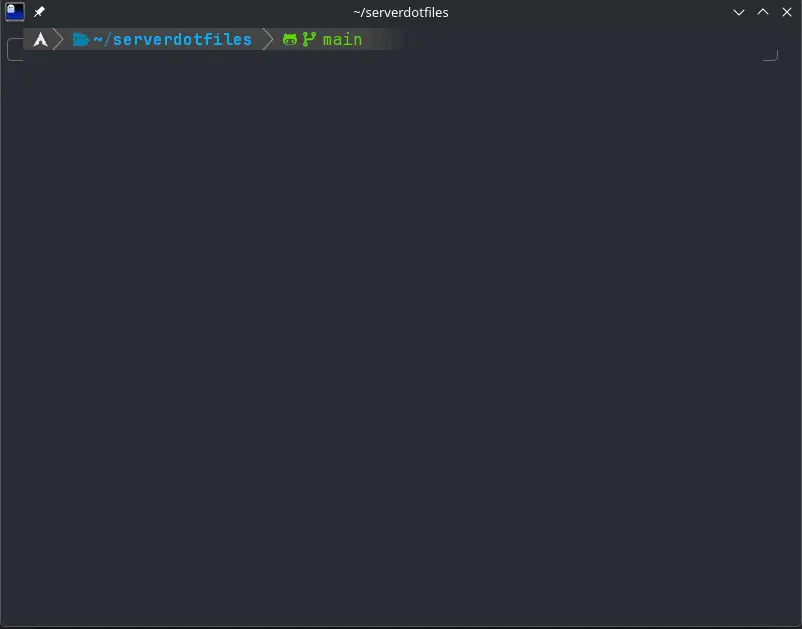
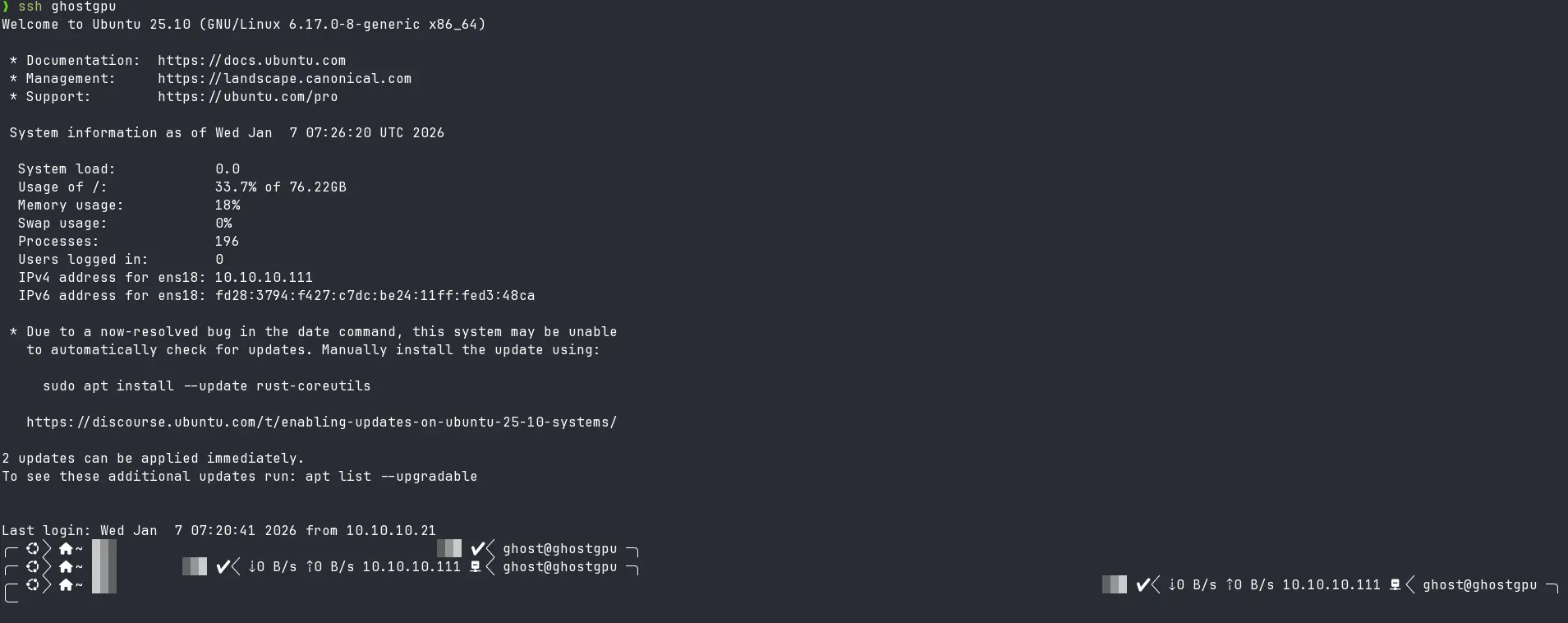
At first i got this multiple prompts which looked weird on its own, which i thought was a minor bug. Then i tried to clear screen with ctrl + l and it failed. Then i started to type something, well i got double of same things, and it was broken.
Troubleshooting
Now after this i tried a bunch of different things i don’t remember in order but most obvious were:
- Changing shell from
zshtobashSo I was already on remote, i switched to bash, it fixed some problem like the prompts weren’t weird anymore, howeverctrl + ldidn’t behave like it should. It did’t clear console but did got to new line, which turns out to be terminal capability issue. I did find a 🗝️ clue here, but i treated it as another sort of problem. I also tried changing localzshtobashand then ssh to remote, problem persisted. - Changing Terminal from
ghosttytokittyEven after switching to a completely different terminalkitty, well you guessed it, same problem. - Changing OS Now NO! I did not nuke my system again, i booted back to my Windows, ssh from there, guess what? No error! This made me sure there was something wrong with my
ZSHorghosttyconfig or my Entiredotfiles, well mostly.zshrc. - Cleared
ZSH CACHEbefore launching ssh. - Tried
zsh -f,zsh -Tnone of them worked. - Tried changing SERVER Config So remember when i said i got a clue? I tried
nano ~/.zshrcto make changes on server side, there now i had that again.Error opening terminal: xterm-ghostty.There, there’s the solution.
BUG: Error opening terminal: xterm-ghostty.
Root Cause
Turns out when we SSH, the client exports the TERM environment variable to the server. Since we have TERM=xterm-ghostty in our local machine, it sent exactly that. Now my server received this and used this, since the server did not have a matching terminfo entry for xterm-ghostty, this caused terminal capability misinterpretation.
Solution
Now i use config file for my ssh, this helps me simplify my hostnames, have different private keys tied to different machines and its portable, so far. Until i needed to add this one more configuration:
1
2
3
4

Host *
    SetEnv TERM=xterm-256color
This configuration helps me have a consistent TERM across all my hosts.
That’s the solution.
TL;DR
- I wanted a pretty, functional prompt across my workspace and servers.
- I used ZSH, OMZ and
ghosttyterminal to achieve this. - This introduced a
TERMmismatch across SSH sessions. - Setting a consistent
TERMinconfigfile solved it.
Tip: Set
TERMin your SSH config to avoid terminal capability issues.